


Your last 3 games, ready to replay.
Step through any of them move by move, with the score for each. Stop at any move and press Play to continue from there.
Real pieces. Coloured lights that coach every move.
Lift a piece on the L6 Pro and the board lights up where it can go, coloured by how good each move is. Play a 22-level computer up to 2100–2299 Elo, solve 1,000 puzzles, replay your games with a score for every move, and connect over Wi-Fi to play Lichess from the board.
AI-generated scene, not a photograph. Product details and screen content are illustrative.
The engine runs on the board, so games, puzzles, position setup and replay work straight out of the box, without Wi-Fi or a phone.
Moving real pieces keeps you at the table and thinking. But a partner isn’t always free, and once a game ends, the move that decided it is usually forgotten.
On a tablet or phone, notifications and other apps are always one tap from your next move.
An ordinary set waits for a second player before anyone can make the first move.
Without a record, it’s hard to see which move turned a good position into a lost one.
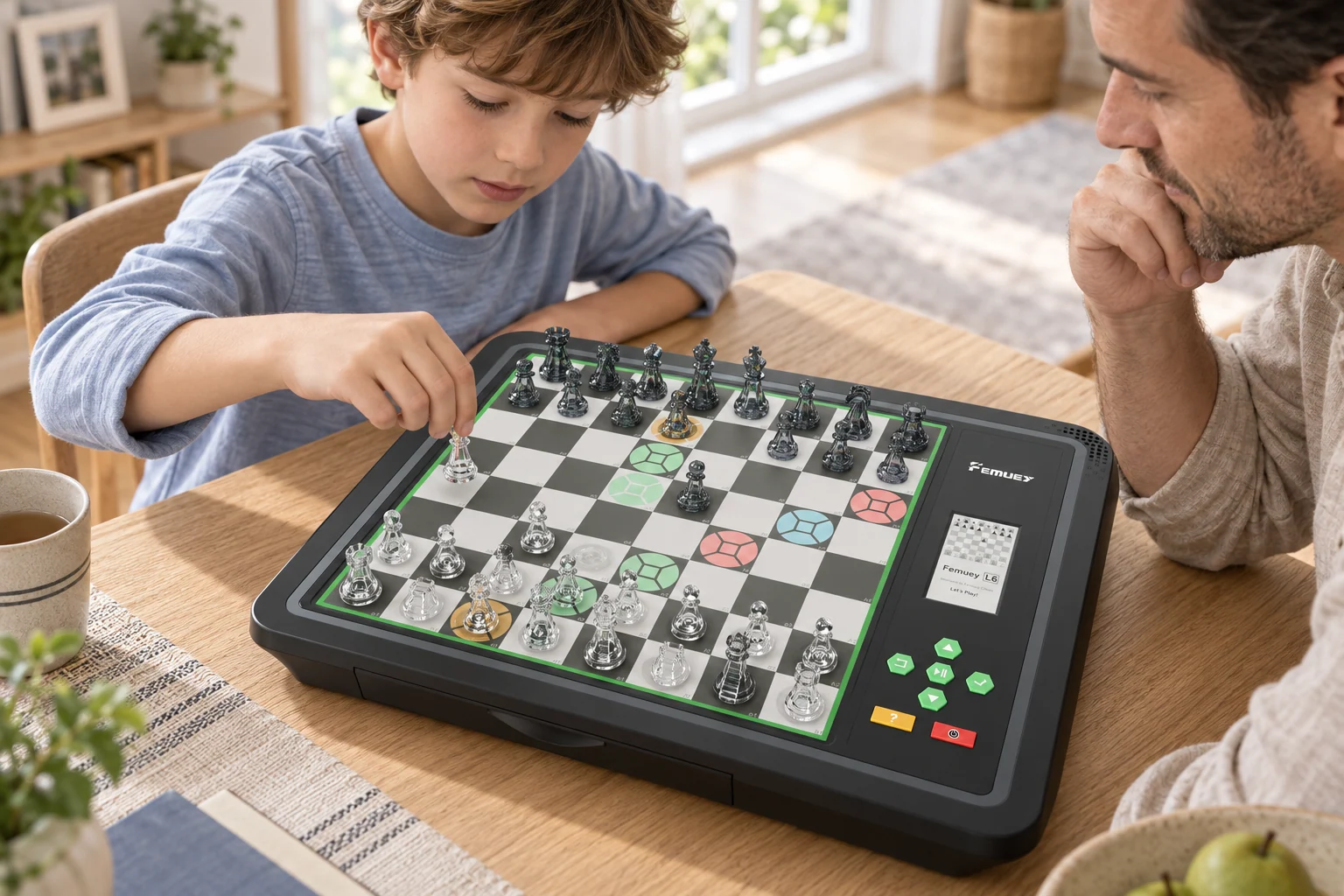
L6 Pro senses every piece you lift and place, answers with its own move in lights, and scores every move as you play. Your eyes stay on the board. The board keeps the record.
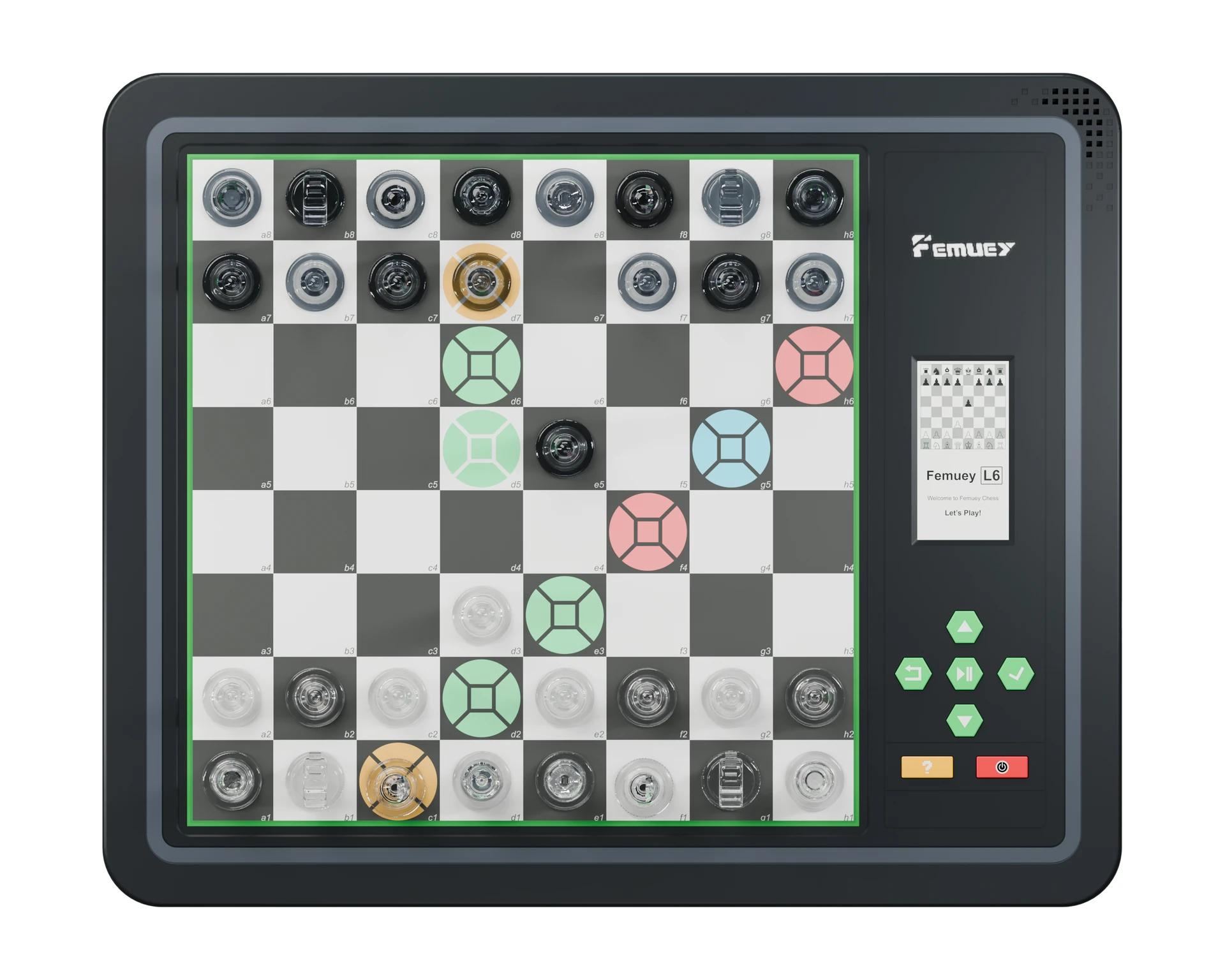
Lift and place pieces as on any board. There’s no need to press the squares: magnetic sensing detects every move.
Shows where a piece can go, the computer’s reply and any illegal move. Brightness: strong, dim or off.
Settings, the move list, hints, a picture of the board and the computer’s evaluation, easy to read from any angle and in any light.
Up, Down, Back/Take back, OK/Menu, Hint, Play/Pause and On/Off: menus and hints without touching a screen.
Keep the pieces with the board when you pack up, from the family table to a game outdoors.
White lifts the knight on f3Green, red and blue show the quality of each move.
Pick up a piece and every square it can legally reach lights up. With detailed lighting, the colour tells you how good each move is, so you start to see a mistake before you make it. When L6 Pro replies, the start and destination squares of its move flash until you make the move for it.
Illustration based on the L6 Pro manual. The colours shown depend on the position.
Choose from 22 levels: two fun levels for first games, then 100-point steps up to 2100–2299 Elo at level 22. The engine runs on the board, so a game is ready without Wi-Fi or a phone.
Elo ranges are the approximate engine strength listed in the L6 Pro manual, not a rating certification.
The mode can’t change mid-game: switching modes starts a new game.
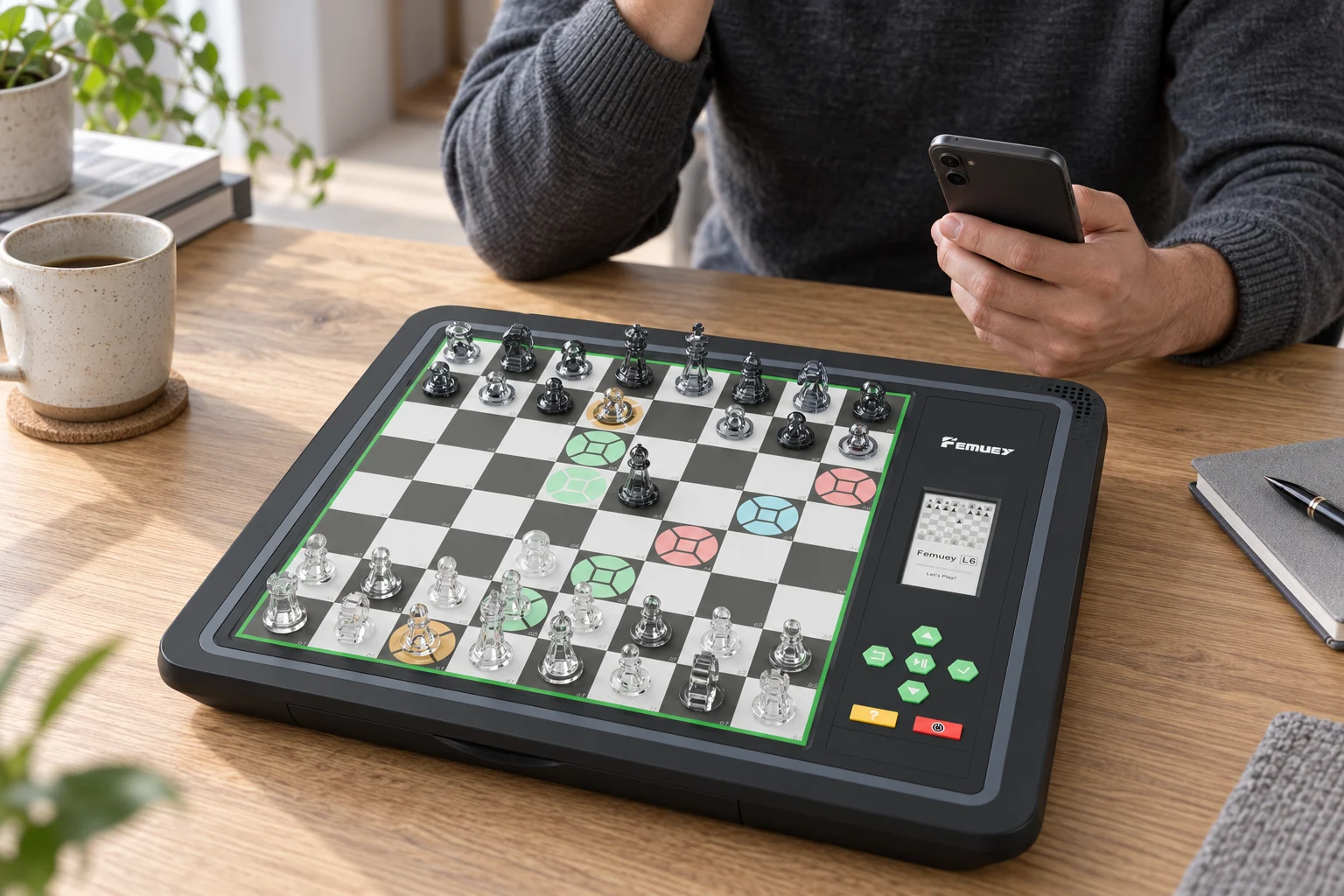
L6 Pro shows a score for every move, then a weighted score for the whole game. It looks beyond material: where the pieces stand, whether they’re active or passive and what tactics the position holds. Compare scores to see which moves lead to better positions.
Step through any of them move by move, with the score for each. Stop at any move and press Play to continue from there.
With Wi-Fi set up, games sync to the InfiChess app for replay and review.
Pick a puzzle number and the board lights the squares where each piece belongs. Place them, hear “White moves” or “Black moves”, and find the answer. A wrong move lights the square red with a beep.
Recreate a position from your own game or a book, choose who moves and which side L6 Pro plays, then play it out. L6 Pro checks that the position follows the rules of chess.
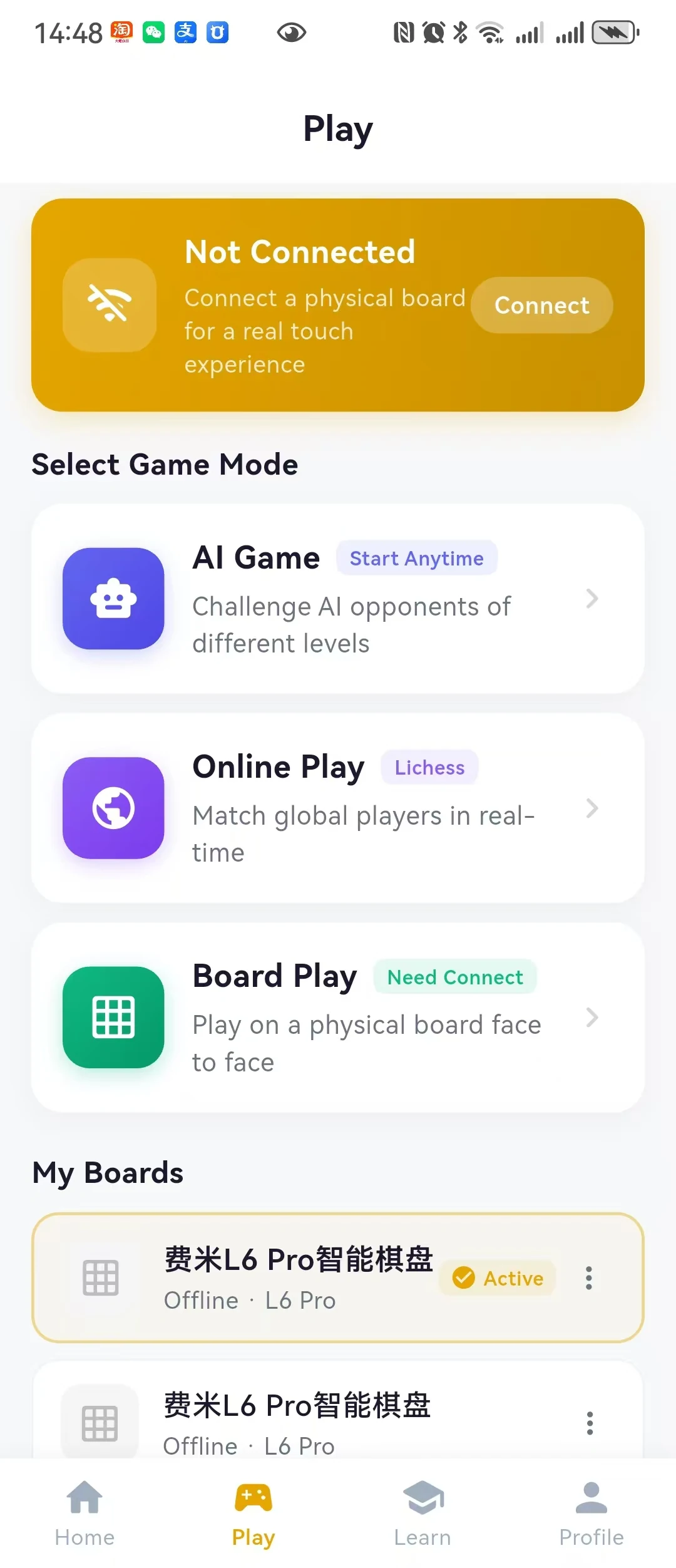
Connect L6 Pro to 2.4 GHz Wi-Fi once with the InfiChess app, authorize your Lichess account in the app, and start matches from the board itself.
Connect your phone to the L6 Pro’s own hotspot (feimi_…). On Android, the app can find and join it for you.
Choose your 2.4 GHz network in the InfiChess app, enter its password and tap Send configuration.
A connection icon appears on the E-Ink display. From then on, L6 Pro reconnects by itself.
Connect the charging cable. The charging light turns green, and a full charge takes 4–6 hours.
Switch on and place the pieces. Lights show any missing or misplaced pieces; L6 Pro says “White moves” when you’re ready.
L6 Pro starts in Training mode. You play White from the near side; L6 Pro answers as Black.
Optional: connect Wi-Fi later for Lichess, game sync and firmware updates.
Clean with a soft, slightly damp cloth. Don’t use abrasive cleaners.
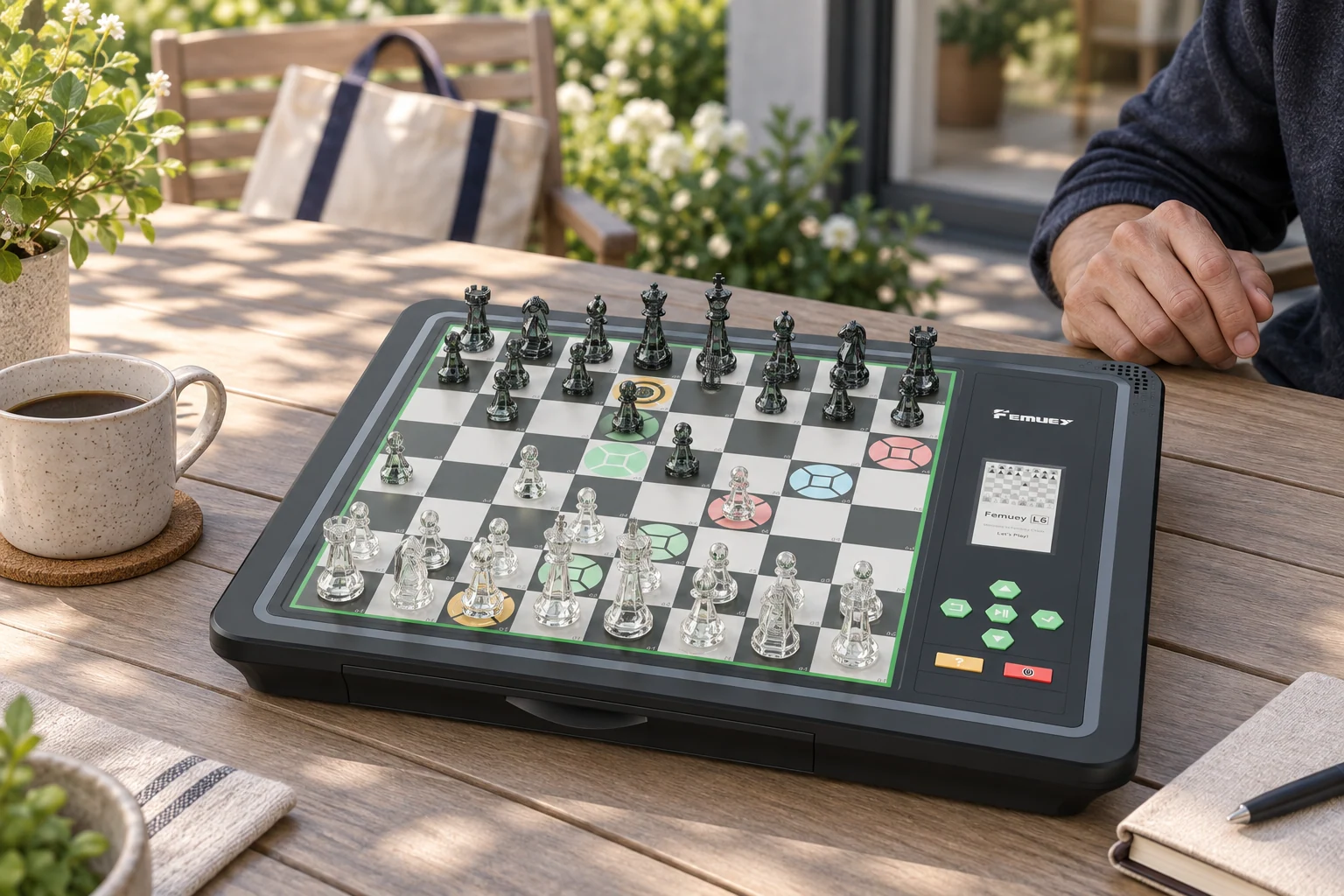
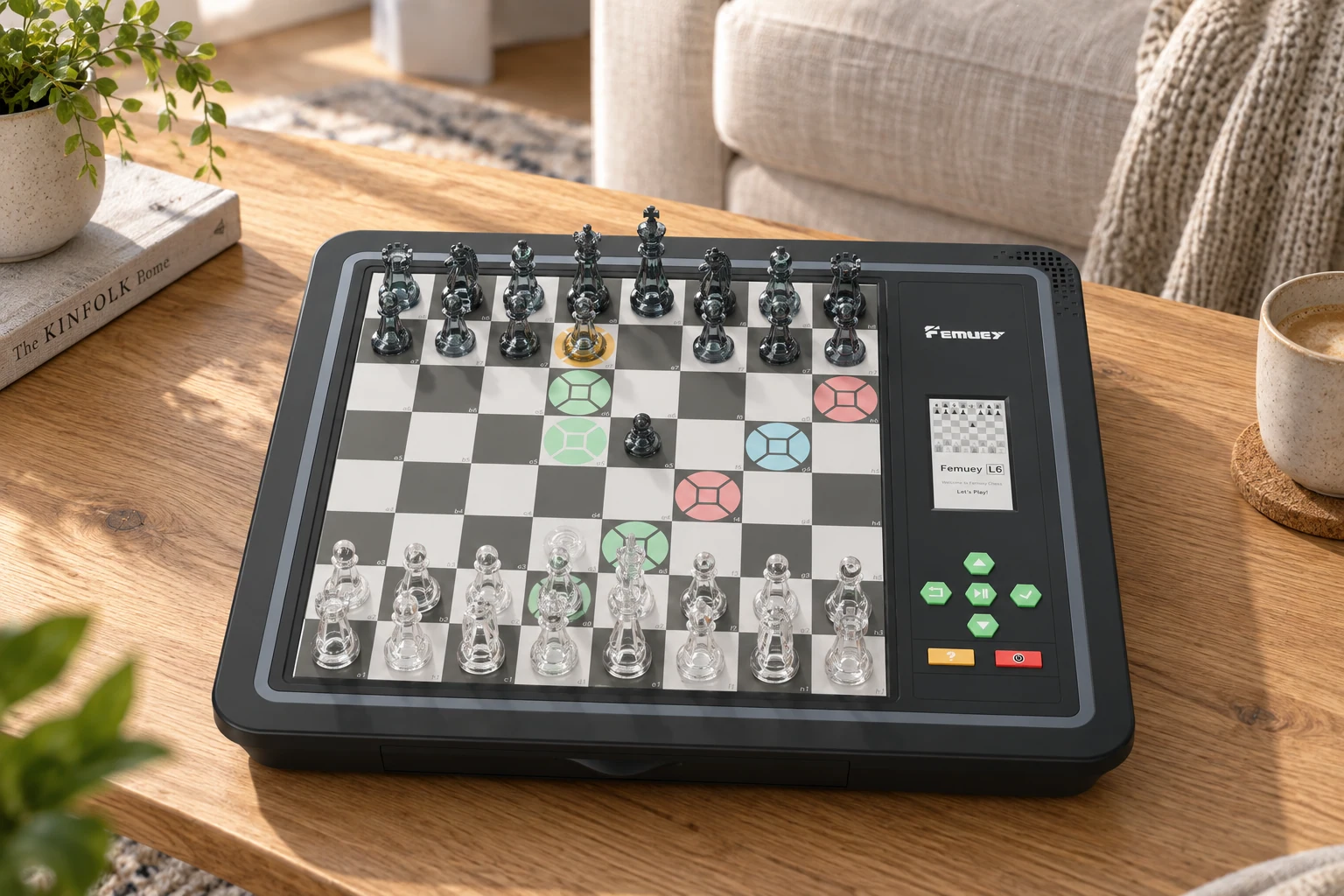 At home with chess
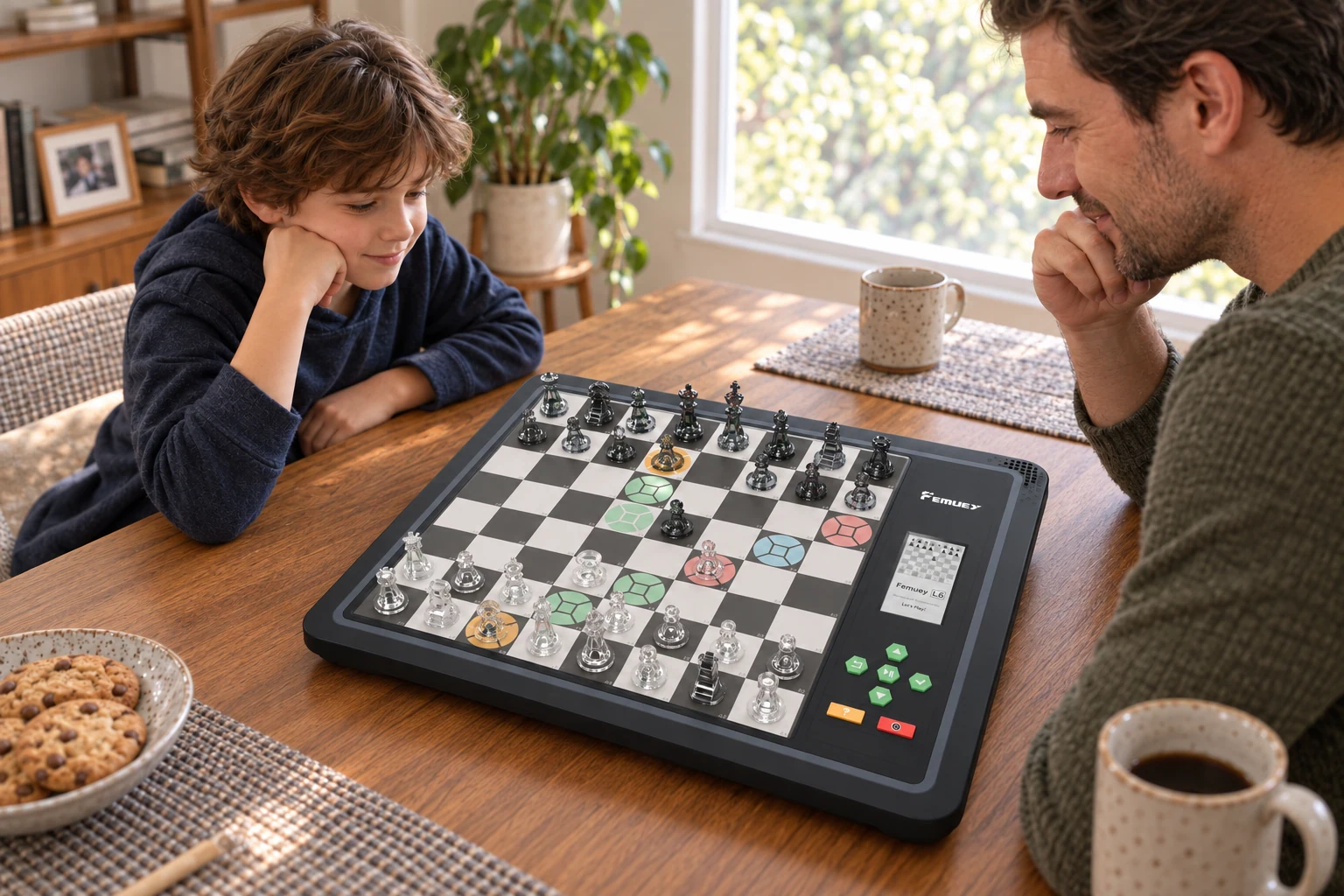 Play, together
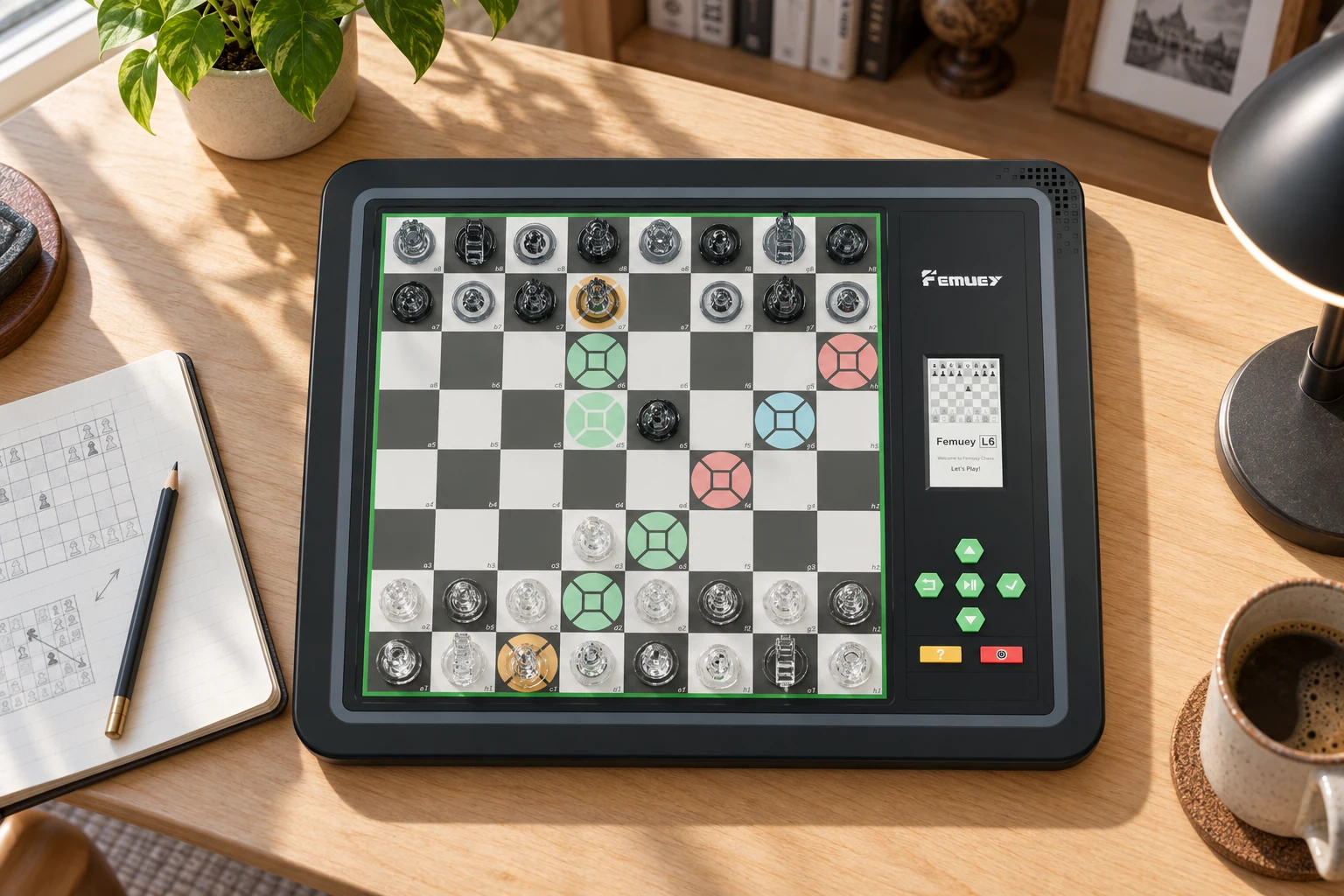 Time to explore
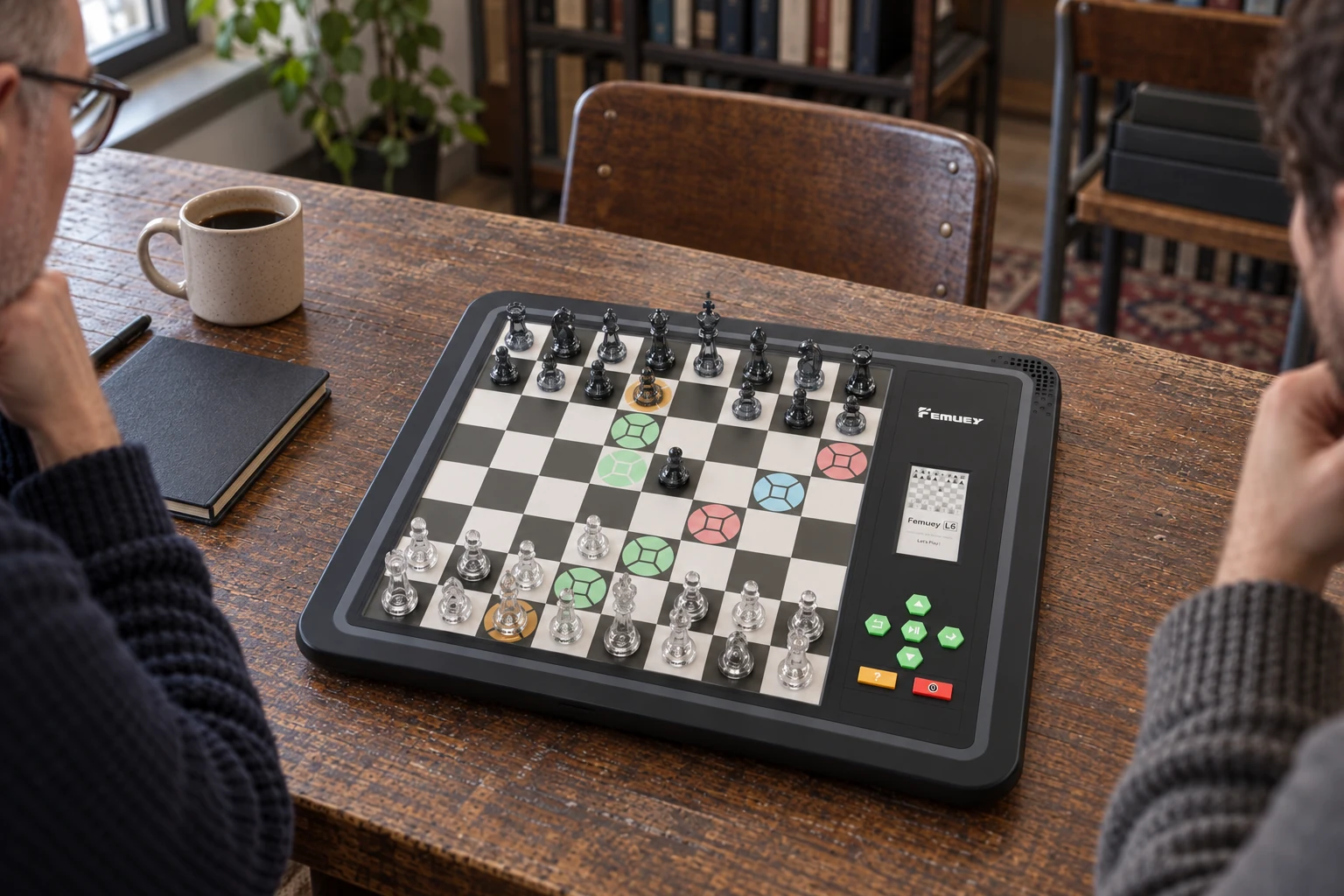 Meet at the board
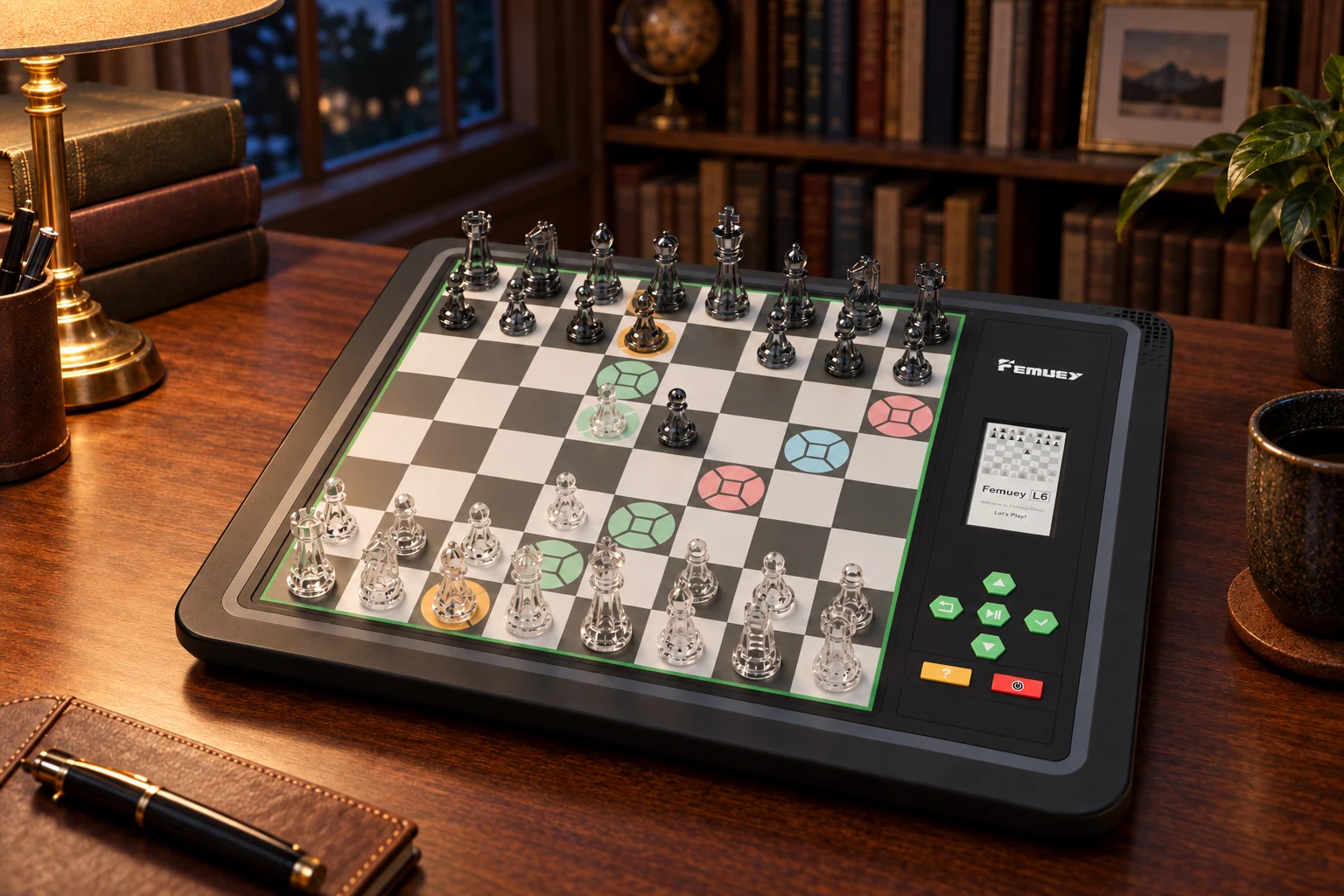 The quiet hour
AI-generated scenes, not photographs. Product details are illustrative.
| FEMUEY L6 Pro | Standard chess set | Chess app on a tablet | |
|---|---|---|---|
| Opponent when you’re alone | Built in, 22 levels | Needs a second player | Usually included |
| Real pieces on a real board | Yes, sensed automatically | Yes | No |
| Shows where a piece can go | Coloured lights | No | On screen |
| Rules checked as you play | Yes, illegal moves flagged | No | Yes |
| A score for every move | Yes, on the display | No | Varies by app |
| Play online | Lichess, from the board | No | Yes |
Comparison describes standard chess sets and chess apps in general. Individual products vary.
Compare FEMUEY with other electronic chess boardsDelivered worldwide.
Changed your mind? Send it back within the return window.
Questions or problems with your L6 Pro? Our team is here to help.
Please keep your proof of purchase. Warranty service may require it.
Our assistant can answer questions about L6 Pro, shipping and orders.
No. Games against the computer, the 1,000 puzzles, position setup and game replay all run on the board. Wi-Fi and the InfiChess app are only needed for Lichess, game sync and firmware updates.
A 22-level opponent, coloured move guidance and Lichess on the board, ready whenever you sit down.
Choose your L6 Pro